Self-hosted infrastructure lab: Proxmox, Odoo and automation
The Origin: From Old Hardware to a Hypervisor
What started as an old computer (i7 4th Gen, 16 GB RAM) originally meant for resale turned into a versatile self-hosted server. My objective was clear: build a local environment to test Odoo, automation workflows and AI models without putting my main machine at risk.
I moved from basic VirtualBox setups to Proxmox VE, a type 1 hypervisor. That was a real shift in mindset: I was no longer just running virtual machines; I was administering a remote system with granular resource control, snapshots and clustering capabilities.
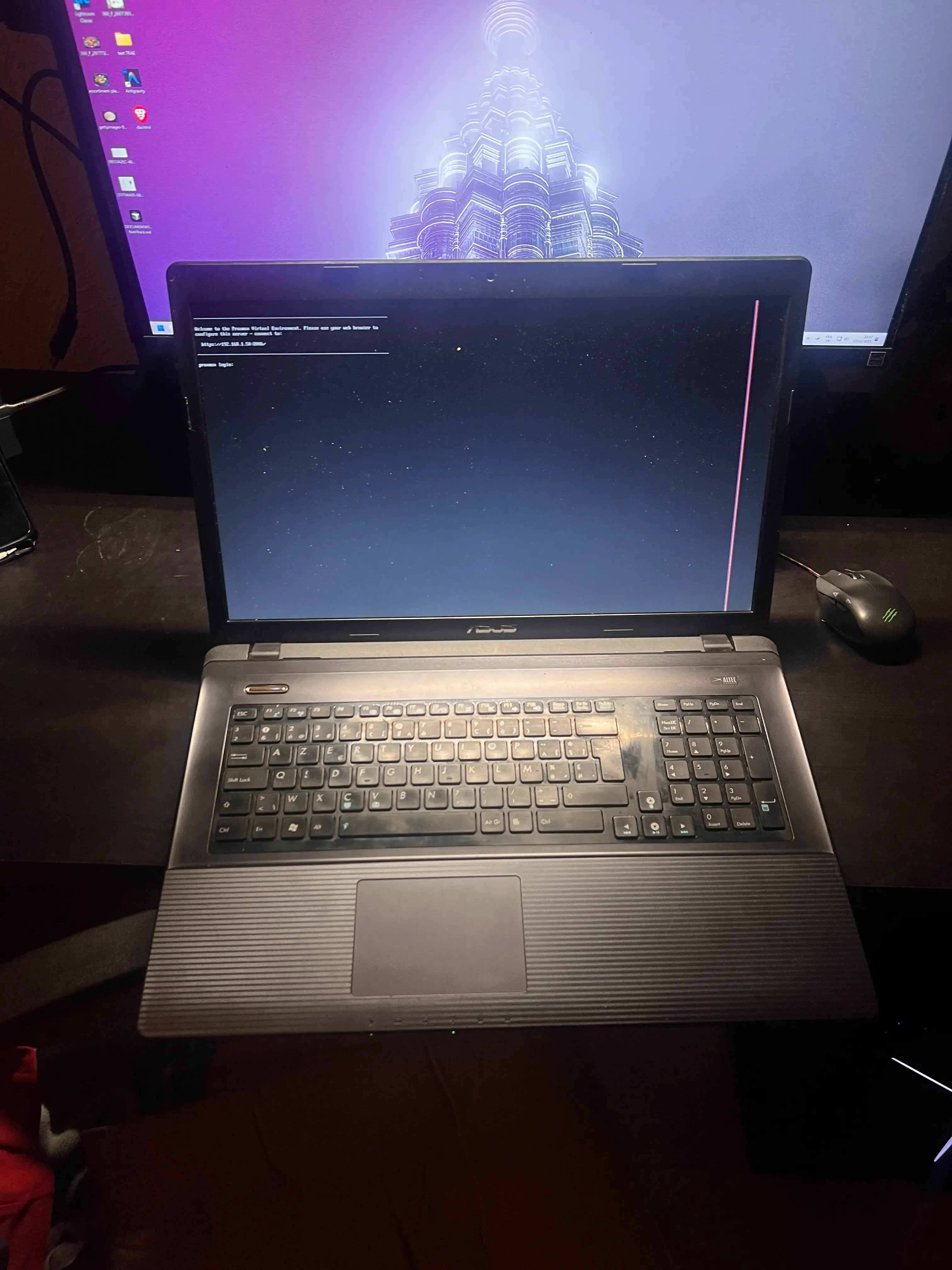
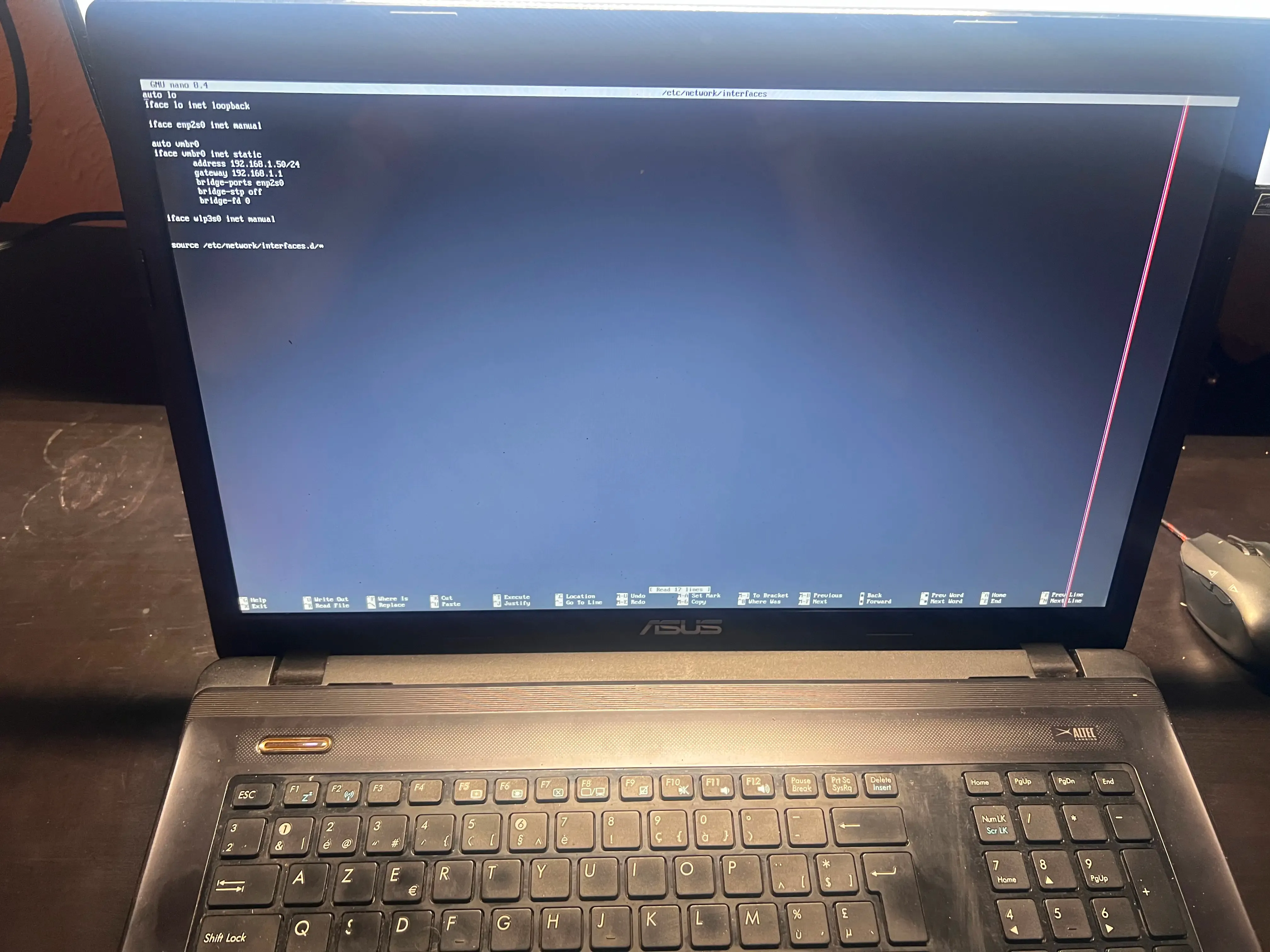
Humble beginnings: an old i7 PC repurposed into a versatile hypervisor.
The Architecture
I reused the hardware to orchestrate a real “data center in a box”:
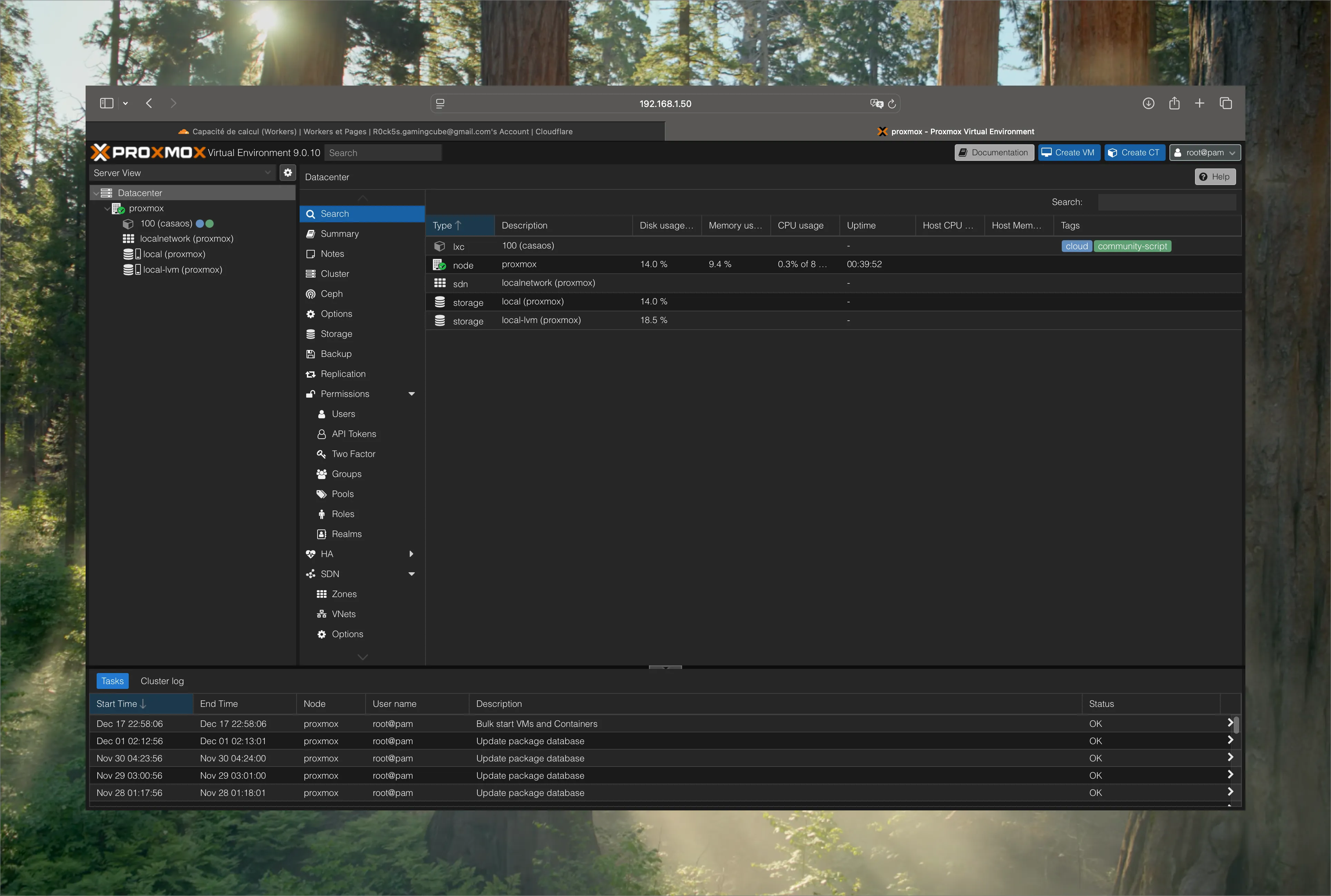
My production environment: Proxmox VE managing LXC containers for Odoo, Pi-hole and AdGuard.
I segmented the infrastructure into 3 logical blocks for stronger security and better stability:
- ERP & Data: Containerised Odoo Community with PostgreSQL to understand ERP data structures without the limitations of SaaS.
- Automation: n8n and NocoDB for workflows and self-hosted internal tools, with a clear logic of sovereignty and compliance.
- Network & Security: Pi-hole for DNS control and Nginx Proxy Manager for clean, secure SSL termination.
Technical Challenges & Solutions
Building it was anything but smooth. I ran into very concrete constraints that forced me to level up on the DevOps side:
- Networking hell: Proxmox bridges (
vmbr0) initially blocked access to the web interface. I had to learn manual bridge configuration and static IP setup directly through the Linux CLI. - SSL/HTTPS: self-signed certificates quickly make the experience painful. I deployed a local Nginx reverse proxy with a clean and secure domain structure.
- Storage management: handling ISOs and backups forced me to understand manual drive mounting over SSH/SCP and the Linux file hierarchy, especially
/var/lib/vz.
Why Odoo on Proxmox?
Running Odoo locally is an intensive course for anyone working in systems and integration. It forces you to look under the hood:
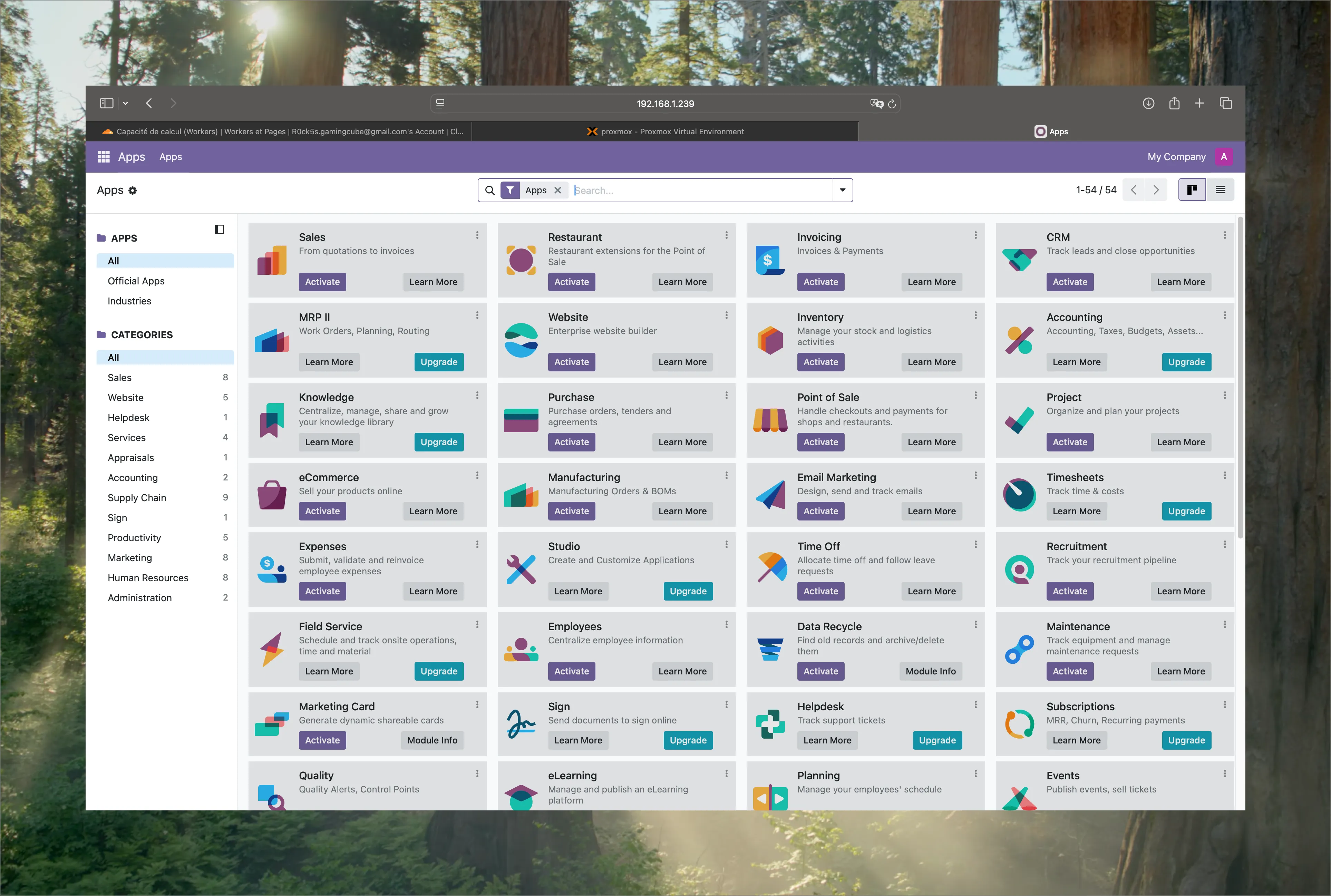
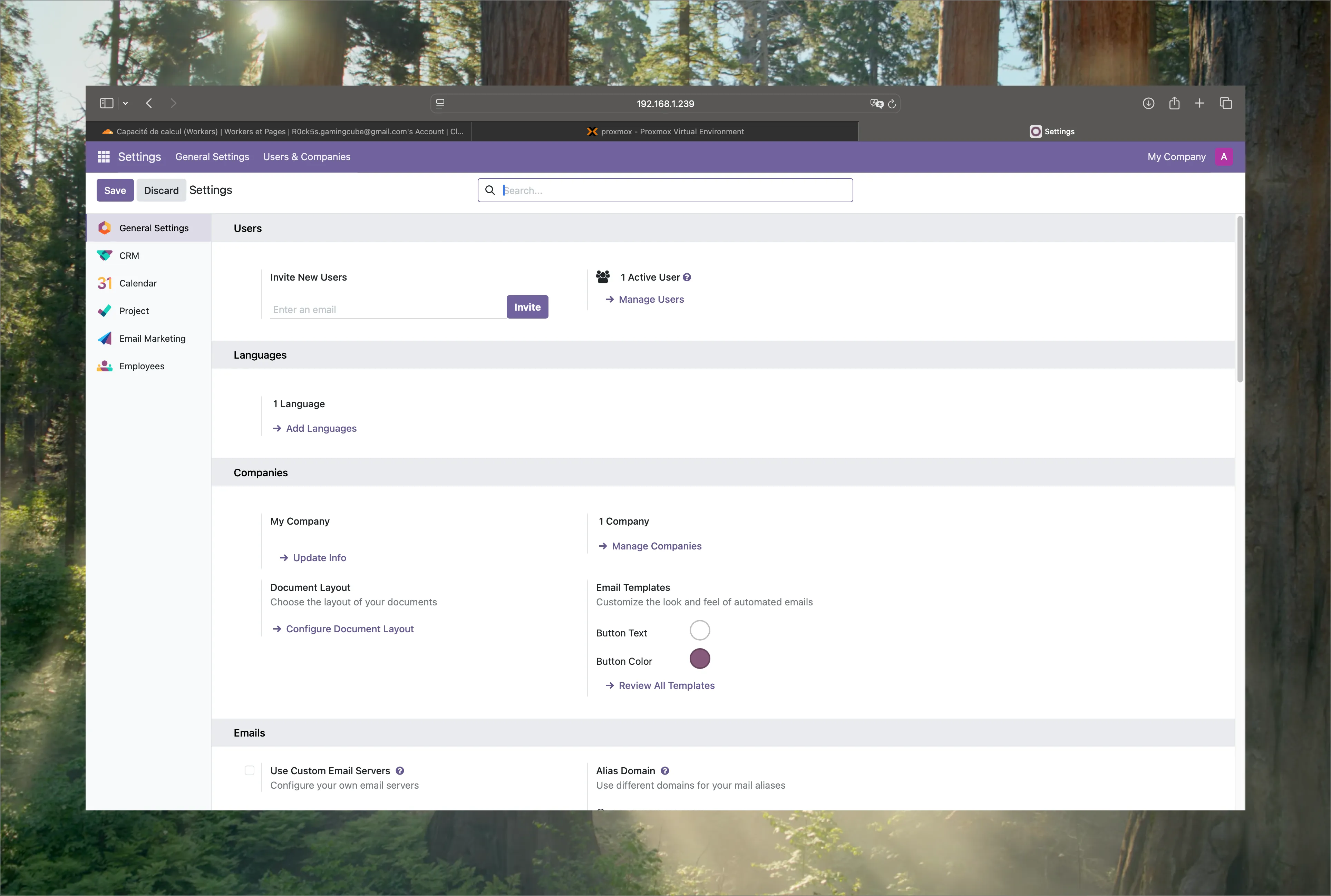
Full control over Odoo Community Edition: app management and access to technical settings.
- Database logic: I can see exactly how Odoo maps its modules to tables in PostgreSQL.
- Module dependencies: I understand why installing a module such as Inventory affects the logic of Sales or Operations.
- Resource management: I monitor RAM and system load in real time to understand the hardware cost of a complete software stack.
Deep Dive: CLI & Administration
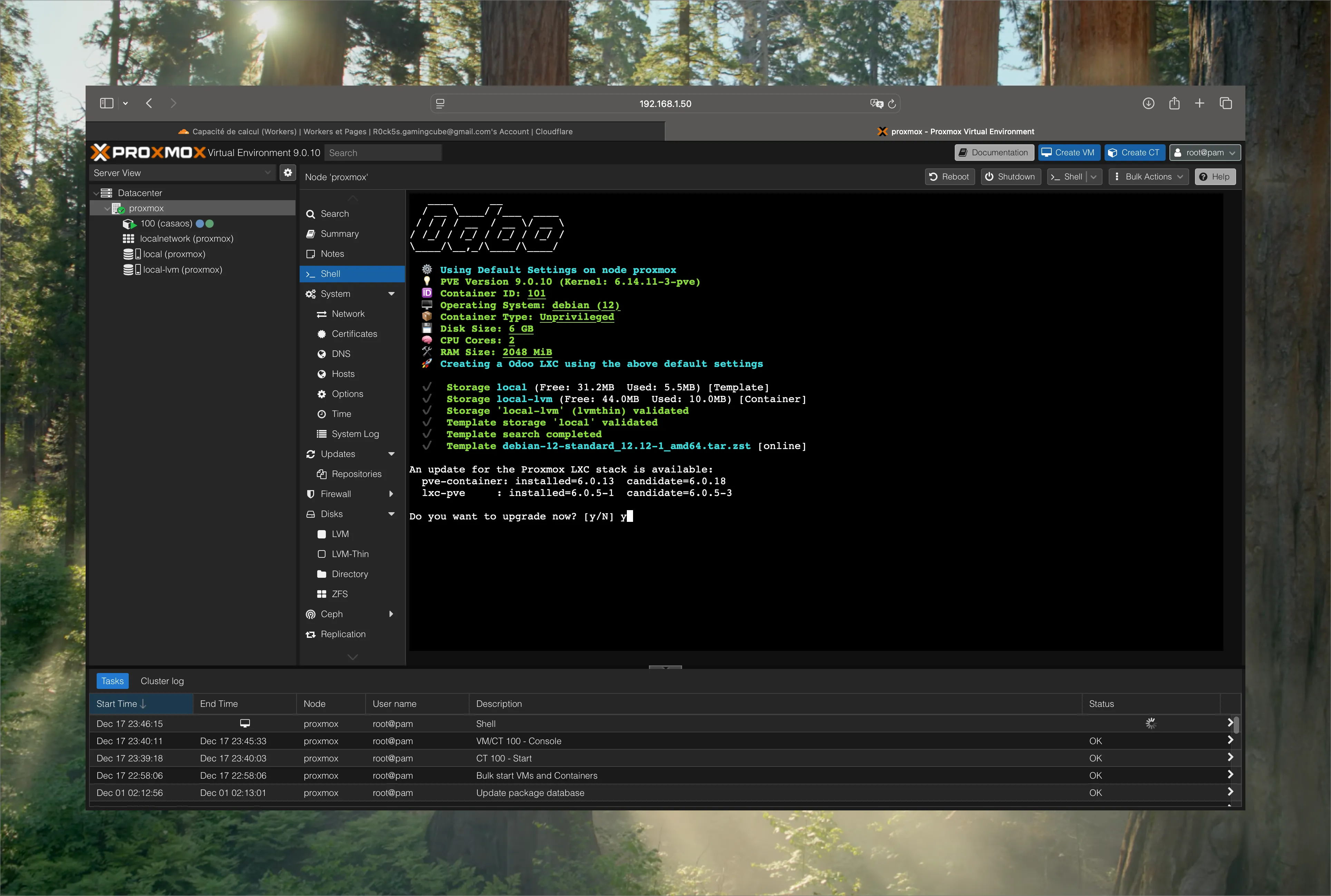
Dependency management, maintenance and updates through the Debian CLI.
Conclusion
This project pushed me from a user mindset into an architect mindset. Technical autonomy is not something you claim; it is something you build. Proxmox gave me the testing ground I needed to connect abstract business requirements with the hardware reality that supports them.